for macOS 14+ · free & open source

A quiet companion for your Mac's notch.

Crema shows what's playing — artwork, a touch of its color, the controls you reach for — and gives volume and brightness their own indicators, optionally replacing the system's. Native, and out of the way.

one take, uncut — styles switched live

three styles

One idea, three ways to wear it.

A style for every display. An override for any single one. The tiles in Settings draw each style on your actual wallpaper — you choose by looking, not by guessing.

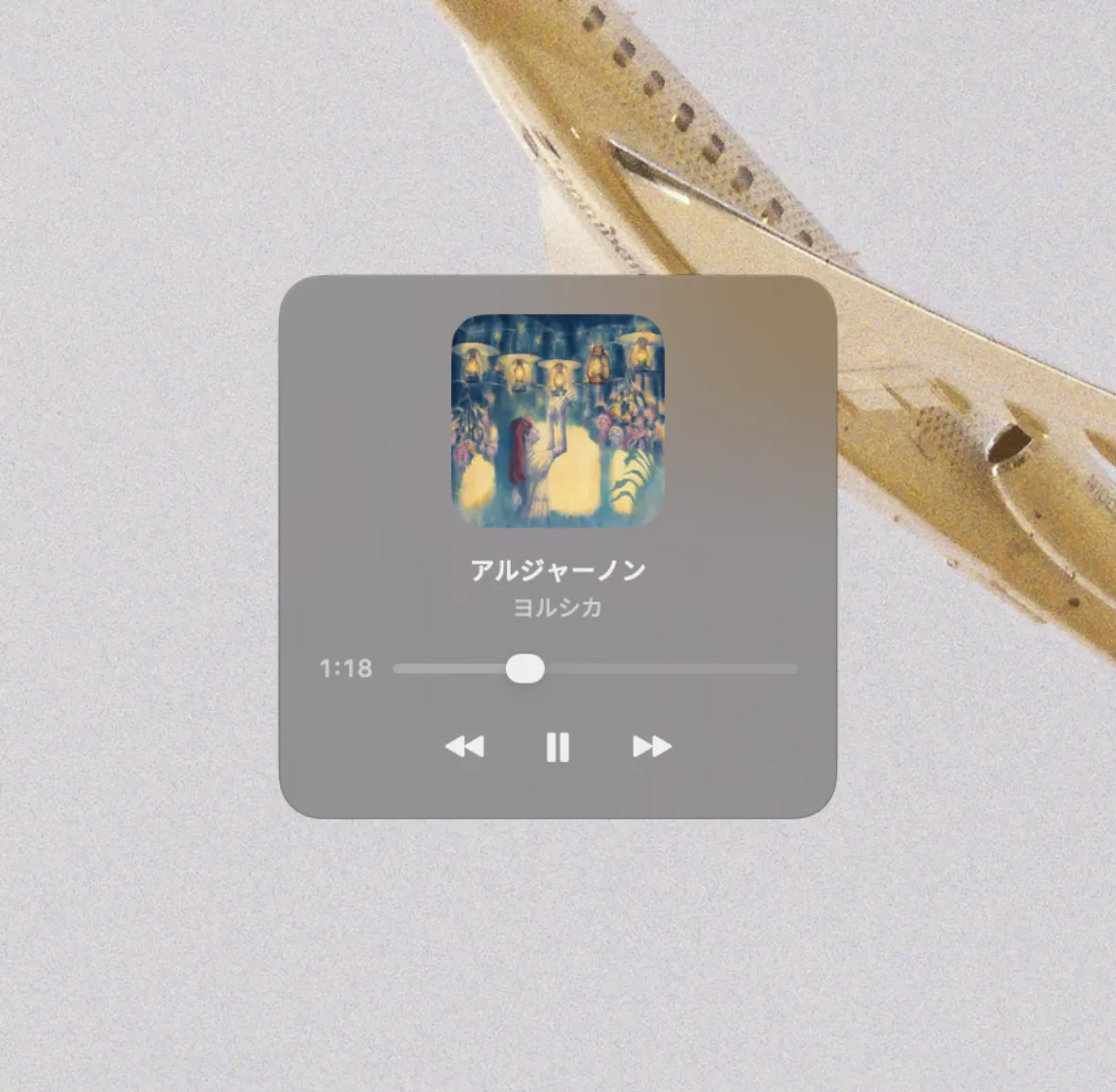
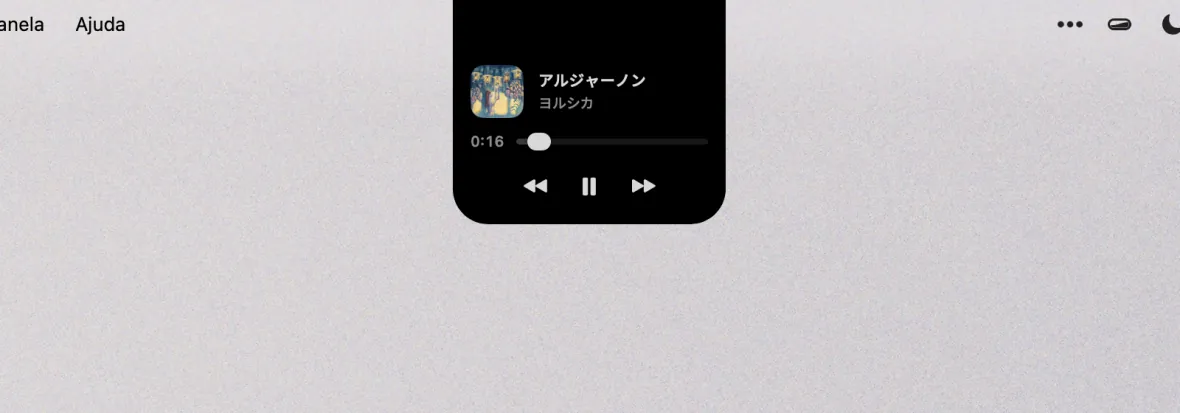
Notch style: the surface blends into the cutout, expanded with artwork, scrubber and transports

01 · notch

Blends into the cutout

The surface is the notch — black on black, flush with the bezel, as if the hardware had always known. Click it and the track opens; on a Mac without a cutout, it gracefully becomes the Card.

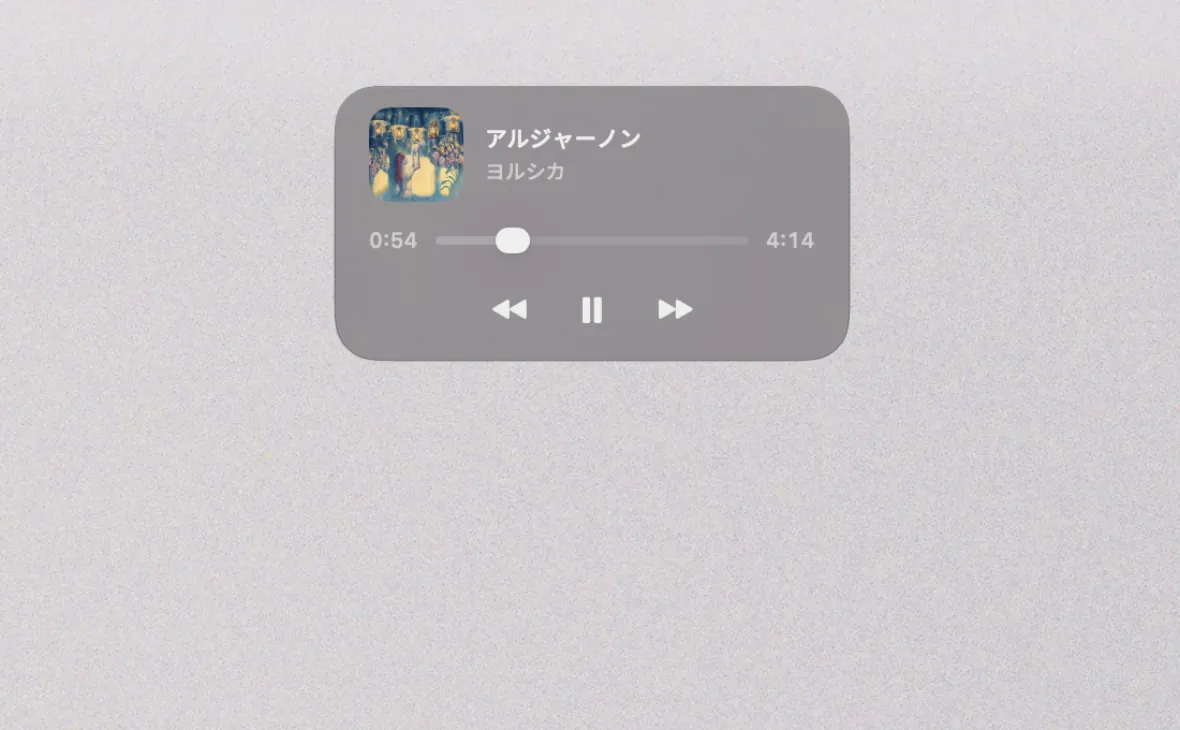
Card style: a rounded translucent panel floating below the menu bar

02 · card

Floats below the menu bar

A translucent panel below the menu bar. Dark rim, light on top — the edge reads on a bright desk and disappears on a dark one.

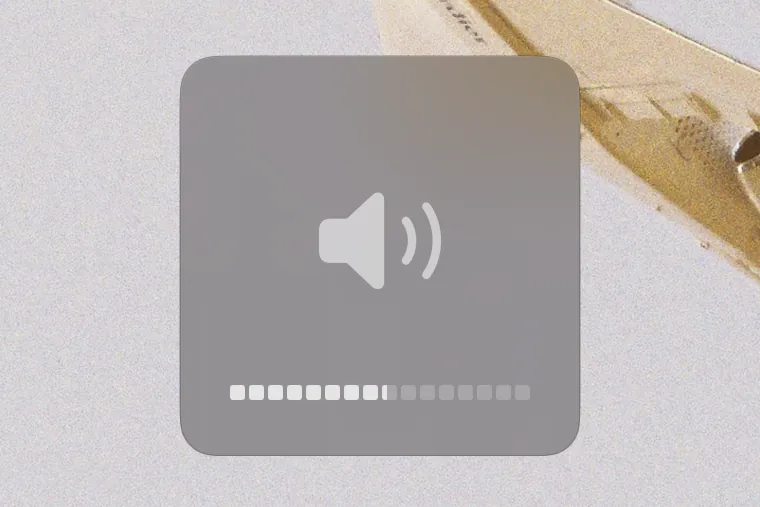
Classic style: a quiet square block near the bottom of the screen

03 · classic

Where the bezel always lived

A quiet square near the bottom — the native HUD's old address. Sixteen segments, half-steps included. No surprises for muscle memory.

your keys, your indicators

HUDs that match — keys that behave.

Flip one switch and Crema replaces the system's volume and brightness indicators with its own. Same voice as the player, on every screen. Off by default. Reversible any time. Quit, and the native HUDs are back — you never get locked in.

Honest with your keys

A key Crema can't honour — a display it doesn't drive, a device with no volume — goes back to the system whole, indicator and all. A taken key always owes you feedback.

Self-healing

If a channel fails mid-press, only that channel steps aside; it re-engages by itself when the device returns, and the menu bar tells you if it doesn't.

Follows your pointer

A brightness key acts on the display under your cursor. Dimming a screen you aren't looking at is not an improvement on the system HUD.

Shares with BetterDisplay

Its brightness curve, Crema's HUD — external monitors included, each bar drawn on its own screen.

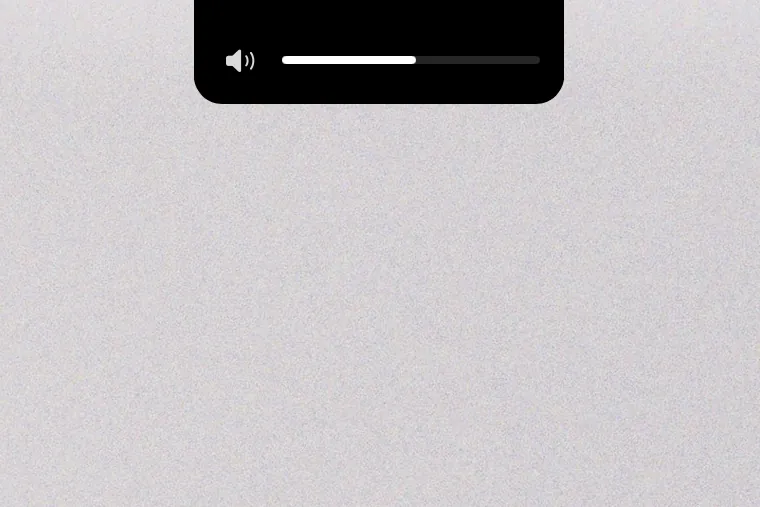
Volume capsule at the notch
volume · notch
Volume capsule on the floating card
volume · card
Sixteen-segment volume on the classic block
volume · classic — 16 segments

what crema is

Crema does a few things — music, volume, brightness — and does them well. No widgets, no file shelf, no calendar, no accounts. It sits by the notch and waits. A smaller target, hit cleanly.

requires macOS 14+ · Apple Silicon / Intel
license GPL-3.0, source on GitHub
languages English · Português (BR)
privacy no accounts, no analytics
updates signed feed, via Sparkle
respects Reduce Motion · Low Power Mode

install

Three steps — one honest warning.

STEP 01

Download the DMG

One file, straight from Releases.

STEP 02

Drag into Applications

Crema lives in the menu bar — look up top, not in the Dock.

STEP 03

Grant Accessibility

That's what lets it handle your volume and brightness keys. It runs fine without, too.

First launch: Crema isn't notarized by Apple yet, so macOS warns about an “unidentified developer”. Open System Settings → Privacy & Security and click Open Anyway — once. No button? xattr -dr com.apple.quarantine /Applications/Crema.app

Ready for a quieter Mac?

Music at the notch, indicators that match, and nothing else asking for your attention. Free, open source, and yours in one download.